Docker Components

Introduction
Docker is a container service which allows one to run applications or even operating systems on a host operating system as containers. Containers are a new and exciting technology that has evolved over the last couple of years and being adopted by a lot of key organizations.Docker daemon runs the O.S.It is responsible for running containers to manage docker services.Docker daemon can communicate with other daemons.
Docker Client
Docker users can interact with docker through a client.
Docker client uses commamnds end rest API to communicate with docker daemon.
When a client runs any service command on the docker client terminal, The client terminal sends these docker daemon.
It possible for docker client to communicate with more than one daemon.
Docker Host
- Docker host is used to provide an environment to execute and run an application it contains the docker daemon , images ,conatiners,networks and storage.
DockerHub Registry
Docker registry manages and stores the docker images.
There are two types of registry in the docker.
1:Public registry:Public registry is also known as docker hub.
2:Private registry:It is used to share images within the enterprises.
Docker Images
Docker images are the read only binary templates used to create docker containers.
or
Single file with all dependencies and configuration required to run a programme.
Ways to create an image
Take images from DockerHub.
Create images from Docker file.
Create images from existing Docker containers.
Docker Continers
Container hold the entire packages that is needed to run the application.
In other words we can say that the container is a copy of that templates.
Container is like a virtual machine.
Images becomes the container when they run on Docker engine.
Docker Images
To see all images presents local machine. run this command on terminal.
docker images
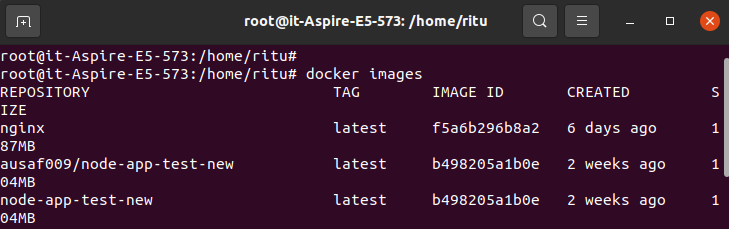
you'll see all images in your local machine.
To download images from DockerHub to local machine.
docker pull (image name)
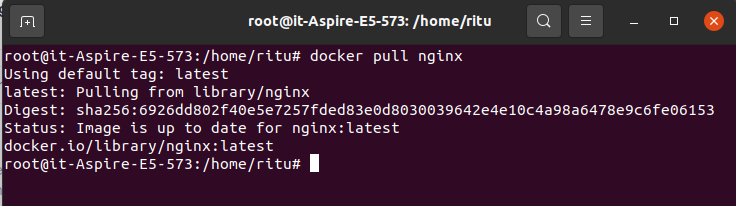
To give name to container.
- docker run -it --name (container name) (image name) /bin/bash
To check service start or not.
service docker status
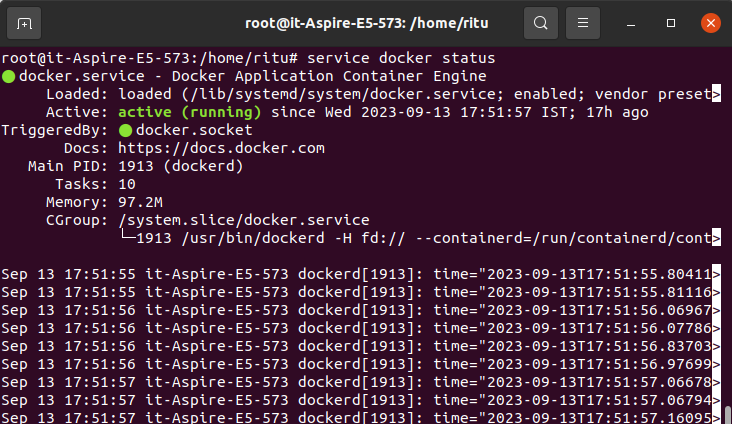
To start the container.
docker start (container name)

To go inside the container.
docker attach (container name)
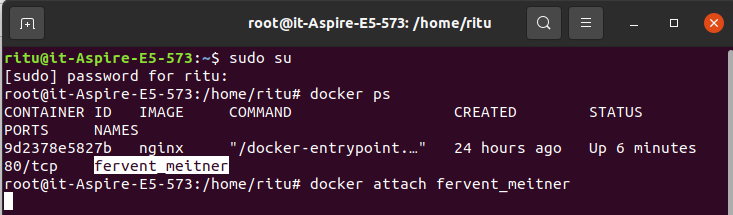
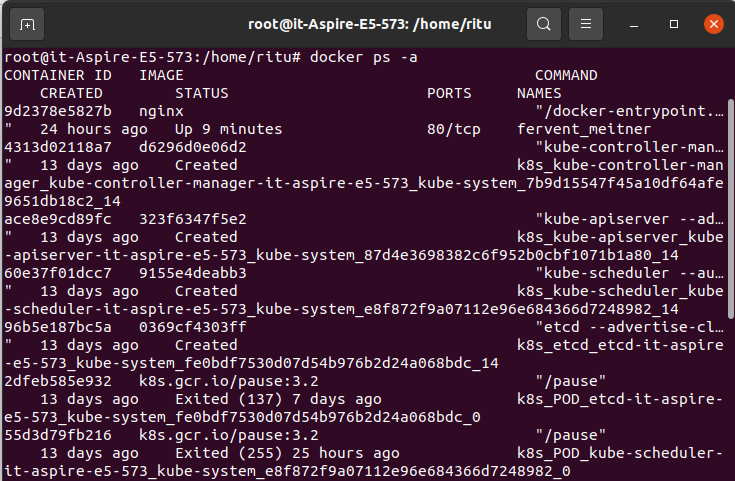
To se all containers.
docker ps -a
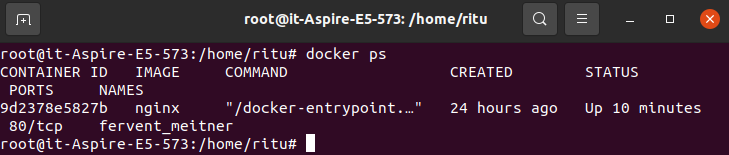
To see only running container.
docker ps
To stop container.
docker stop (container name)

To delete container.
docker rm (container name)

Conclusion
In conclusion, Docker's components form a powerful ecosystem that empowers developers and operations teams to build, deploy, and manage applications more efficiently and consistently than ever before. Whether you're a developer looking to streamline your development workflow or an operations engineer tasked with managing large-scale container deployments, Docker's components are invaluable tools in your toolkit. Embracing containerization with Docker can revolutionize the way you develop, package, and deploy software in today's fast-paced, cloud-native world."